We have a problem with one of your OTDR, it keeps turning off, picture below. Please advice urgently what we can do.
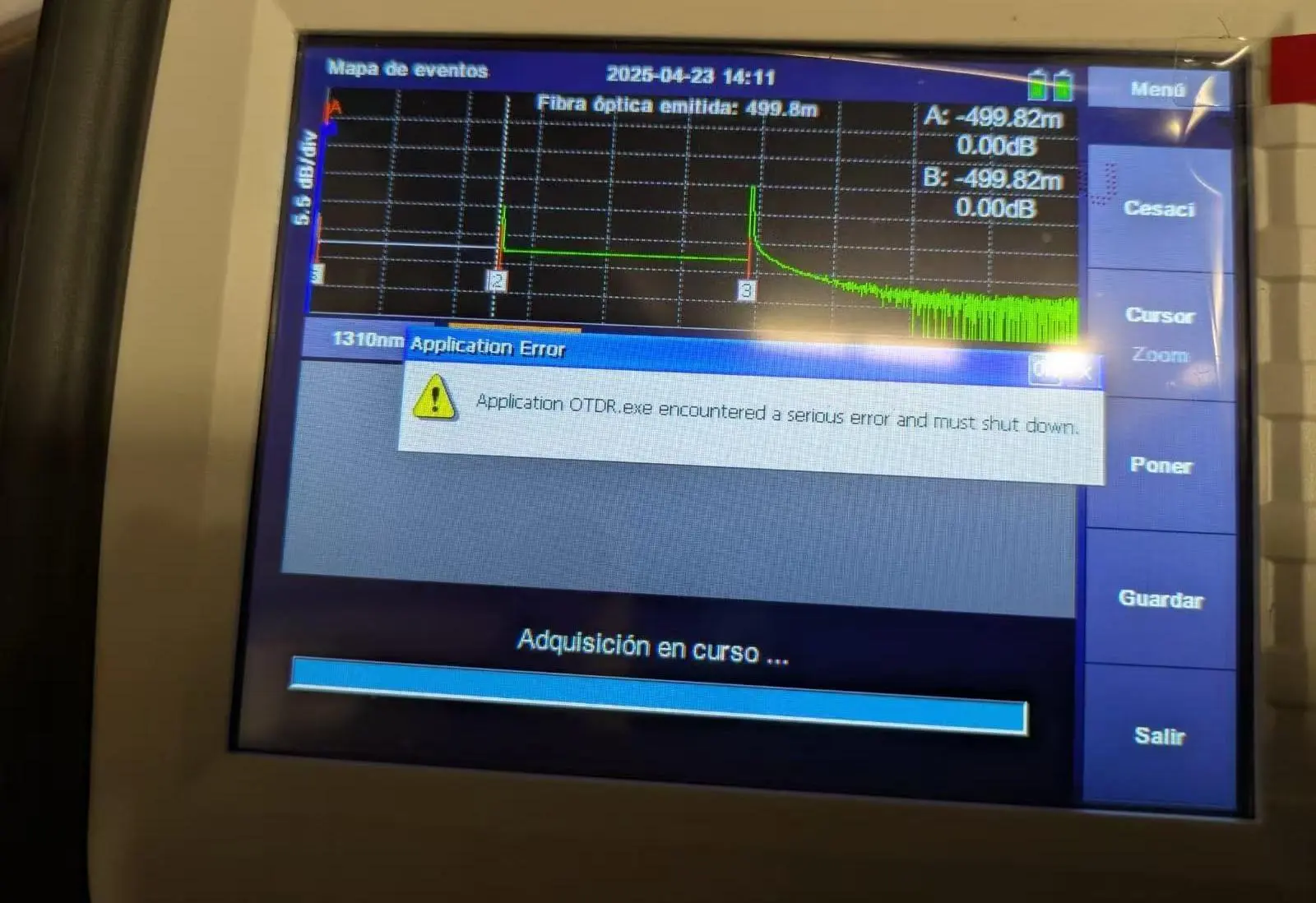
This is a OTDR software bug, and the buy should be only with old OTDRs (manufactured date before Jan 2025).
Download upgrade package
here and follow these steps to upgrade your OTDR to solve the bug.
Step 1.
Prepare a FAT32 USB flash disk.
Step 2.
Put the upgrade file into the USB flash disk. Be careful not to rename the file.
Step 3.
Insert the USB flash disk into the USB port of OTDR and wait for the USB icon to appear in the OTDR status bar.
Step 4.
Enter the system setting interface of OTDR and click the "upgrade" button.
Then, the screen will display the software upgrade interface, and the upgrade operation will be completed after the software is automatically restarted.

